Server Secrets
Many tools need API keys or other credentials. MCPBox handles this securely — the LLM creates a placeholder, and you set the actual value in the admin UI. The LLM never sees the secret value.
How It Works
-
LLM creates a placeholder:
mcpbox_create_server_secret( server_id="<uuid>", key="OPENWEATHERMAP_API_KEY", description="API key for weather data" ) -
You set the value in the admin UI at Servers > select the server > Secrets tab. Enter the actual API key.
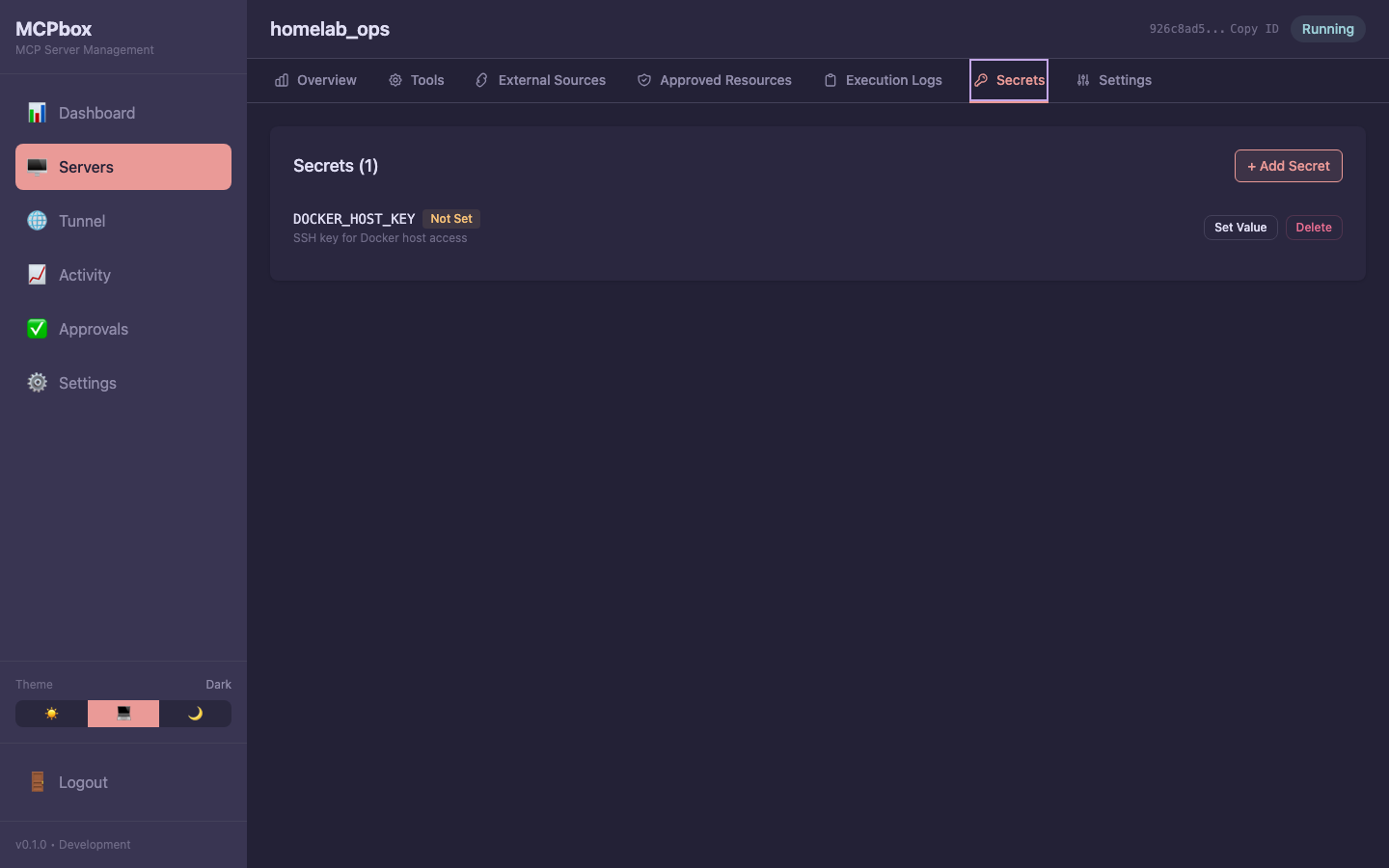 The Secrets tab showing key names with value status — the actual values are never exposed.
 -
Tool code reads the secret:
async def main(city: str) -> dict:
    api_key = secrets["OPENWEATHERMAP_API_KEY"]
    resp = await http.get(
        f"https://api.openweathermap.org/data/2.5/weather?q={city}&appid={api_key}"
    )
    return resp.json()
Security
- Secret values are encrypted with AES-256-GCM using your
MCPBOX_ENCRYPTION_KEY - The LLM can only list secret key names, never values
- The admin API returns
has_value: true/false, never the actual value - Tools receive secrets as a read-only dict at execution time
Managing Secrets
| Action | How |
|---|---|
| Create a placeholder | LLM uses mcpbox_create_server_secret |
| Set the value | Admin UI: Servers > server > Secrets tab |
| Update the value | Same as setting — enter the new value |
| List secrets | Admin UI or LLM uses mcpbox_list_server_secrets (keys only) |
| Delete a secret | Admin UI: Servers > server > Secrets tab > delete |
After creating or updating a secret, restart the server (mcpbox_stop_server then mcpbox_start_server) for the tool to pick up the new value.